Description
Game Versions:
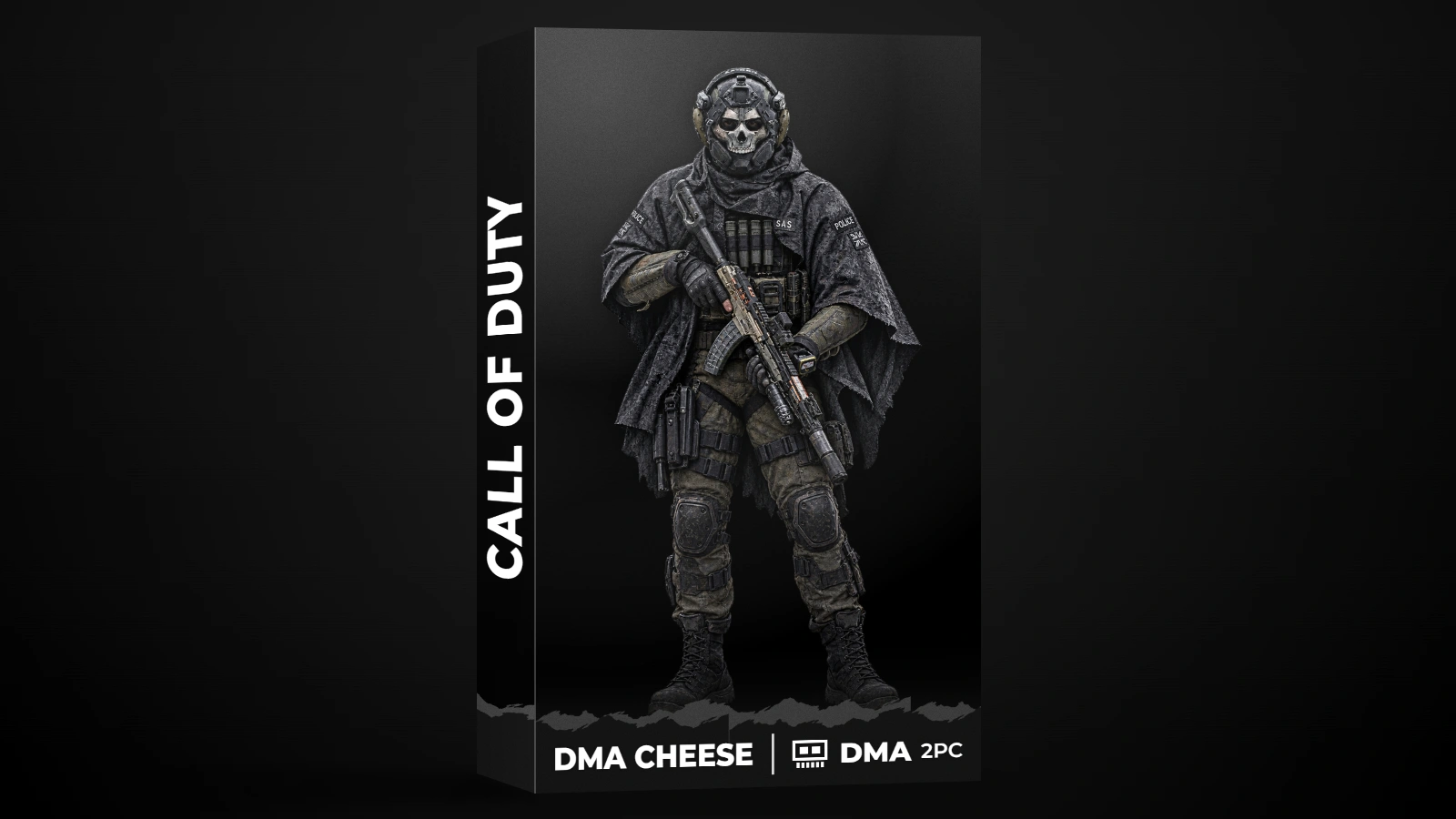
- mw4 / dmz
- bo7 / warzone (all modes)
- bo6 (mp and zombies)
- mw3 (mp and zombies)
- mw2 (mp and dmz)
- vanguard
- mw19
Game Platforms:
STEAM + GAMEPASS + BATTLENET
💣 Grenade & Utility Features
- Tactical & Lethal Trajectory Preview: Visualize the exact landing spot of your thrown tactical and lethal equipment before deployment, ensuring precise utility placement.
- Accurate Enemy Grenade Trajectories: Enemy grenade trajectory lines are now rendered with pinpoint accuracy, allowing for better evasion and counter-play.
- Instant Grenade Proximity Warning: Receive immediate on-screen alerts when you are within the blast radius of an active grenade, providing maximum time to react.
🎯 Aimbot
- Aimbot: Automatically assists your aim to help you hit targets more accurately and consistently.
- Targeting Prediction: Calculates where a moving target will be based on your weapon and distance, ensuring your shots land.
- Target Switching: Automatically moves your aim to the next available enemy after you eliminate your current target.
- Bone Locking: Forces your aim to stay locked onto a specific body part, such as the head or chest.
- Mid-Lock Bone Switching: Allows you to change which body part you are targeting even while the aimbot is currently locked on.
- Smart Target Priority: Automatically chooses the best target based on their health, distance, and whether they are visible.
- Max Distance: Limits the aimbot to only target enemies within a specific range, up to 300 meters.
- Off-Screen Targeting: Enables the aimbot to lock onto enemies even if they are not currently visible on your screen.
- FOV Adjustment: Lets you change the size of the area where the aimbot will look for targets.
- FOV Display: Shows a visual circle on your screen representing the aimbot’s active area.
- Deadzone Controls: Sets specific areas where the aimbot will not activate, giving you more manual control when needed.
- Dynamic Smoothness: Adjusts how naturally your aim moves to a target, making the assistance look more human-like.
- Aim Delay: Adds a slight pause before the aimbot locks on to mimic natural human reaction time.
- Randomization: Adds subtle, random variations to aim movements to avoid looking robotic or predictable.
- Sticky Aim: Helps your crosshair “stick” to a target once you have started aiming at them.
- Auto Shoot: Automatically fires your weapon as soon as the aimbot has a clear lock on a target.
- Rapid Fire: Increases the firing rate of semi-automatic weapons, making them fire as fast as possible.
- Recoil Control: Helps manage and reduce weapon kickback without modifying the game’s internal memory.
- Visible Check: Ensures the aimbot only targets enemies that are actually in your line of sight.
- Ignore Knocked/Reviving: Prevents the aimbot from wasting shots on players who are already down or being revived.
⚡ Triggerbot
- Triggerbot: Automatically pulls the trigger for you the exact moment an enemy enters your crosshair.
- Crosshair Detection: Monitors your crosshair and fires instantly when it detects an enemy player.
- Custom Shot Delay: Allows you to add a specific delay before the triggerbot fires to make the timing look more natural.
- ADS-Only Firing: Ensures the triggerbot only activates when you are actively aiming down your sights.
- Fully Scoped Firing: Restricts the triggerbot to only fire when your sniper or high-power scope is fully zoomed in.
🧲 Magnet Triggerbot
- Magnet Triggerbot: A hybrid feature that both pulls the trigger and slightly pulls your aim toward the target.
- Sticky Magnet Aim: Keeps your crosshair “magnetized” to the enemy once they are within your trigger range.
- Magnet Smoothness: Controls how gently the magnet effect pulls your aim toward the enemy.
👁️ ESP and Visual
- Player ESP: Draws visual overlays on your screen to show you exactly where other players are located.
- Box/Skeleton ESP: Draws boxes or stick figures over enemies so you can see their exact position and posture through walls.
- Health and Armor Bar: Displays a visual meter showing how much health and armor an enemy has left.
- Distance Display: Shows exactly how many meters away each player or item is from your position.
- Weapon ESP: Shows you what weapon an enemy is currently holding and what they have stowed on their back.
- Aimed-At Warning: Provides a clear on-screen alert if an enemy player is currently aiming their weapon at you.
- Player Status Indicators: Shows if a player is currently knocked down, reviving themselves, or planting a bomb.
- World ESP: Highlights important items in the environment like weapons, grenades, and equipment.
- Vehicle ESP: Shows the location and distance of all drivable vehicles on the map.
- Objective ESP: Highlights game objectives like buy stations, ammo caches, and extraction points.
- Visible-Only Mode: Cleans up your screen by only showing ESP information for enemies you can actually see.
- Custom Colors: Allows you to set different colors for visible enemies versus those hidden behind cover.
📦 Warzone Loot ESP
- Loot ESP: Highlights valuable items and gear on the ground, making it easy to find the best equipment.
- Category Filters: Lets you choose exactly what type of loot you want to see, such as only high-tier weapons or money.
- Weapon Rarity Colors: Uses different colors to show the rarity level of weapons, just like the game’s loot system.
- Loot Snaplines: Draws a line from the center of your screen directly to the most valuable items nearby
📡 Radar
- 2D Radar: Provides a custom map overlay that shows the exact positions of everyone around you.
- Height Indicators: Shows a small arrow next to players on the radar to tell you if they are above or below you.
- Direction Arrows: Shows which way enemies are currently facing on your radar map.
- Radar Zoom and Size: Allows you to fully customize how large the radar is and how much area it covers.
👥 Lobby and Player List
- Lobby Statistics: Shows detailed information about everyone in the match, including their level and K/D ratio.
- Platform and Input Icons: Shows if a player is on PC or Console, and if they are using a controller or a keyboard.
- Spectator List: Displays a list of exactly who is currently watching you play.
- Persistent Marking: Allows you to “tag” specific players so you can recognize them if you meet them in future games.
- Win Streak Tracking: Shows you which players in the lobby are currently on a high winning streak.
⚙️ System and Config
- Device Support: Includes specialized support for external hardware like KMBox or Arduino for safer input handling.
- Panic Key: A single emergency hotkey that instantly disables all features and clears your screen.
- Config System: Allows you to save all your favorite settings into a file that you can load instantly.
- Hotkeys: Lets you assign specific keys to toggle any individual feature on or off while you are playing.