Description
⚙️ Platform Compatibility
- Steam
- Epic Games
- Microsoft Store
👁️ Visuals & Player ESP
- Survivor / Killer Name & Distance – Toggle display of name and distance, with individual text size adjustments for each role
- Nickname – Set a custom nickname with adjustable text size and box thickness
- Skeleton – Display character skeleton with configurable thickness and max render distance
- Bloodlust Tiers – Visual indicator for Bloodlust Tier 0, 1, 2, and 3 (color: yellow)
- Preview Pane – Live preview showing nickname, role, and distance marker (e.g., Survivor 12m) with positional grid references (BL_2, MR, BM‑L, BM‑R, BR)
🌍 World ESP & Map Objects
- MAP Objects – Toggle visibility for Generator, Exit Gate, Hatch, Totem, Pallet, Window, Hook, Chest, Pig Trap
- Powers & Traps – Track Bear Trap, Drone, Phantom Trap, Zombie, Pinhead Lament, Dog, Knight Guard, Dredge Remnant, Nightfall, Crow, Biopod, Krasue Mushroom, Unknown Hallucination
🎯 Aim System
- Master Toggle – Enable/disable Aimbot
- Targeting Priority – Choose between Head first or Chest first, with additional individual Head / Chest lock‑on toggles
- Acquisition Method – Select FOV or Distance as the detection metric
- Smoothness – Adjustable SMOOTH value (e.g., 6) for cursor movement
- Off‑Screen Engagement – Set percentage threshold (e.g., 10%) to maintain tracking outside view
- Extras – Draw aim FOV (visual cone), Stick to Target (persistent lock), and Aim Prediction (lead target movement)
⚠️ Risky Feature List
- Speedhack (1.10x) – Modify movement speed
- FOV Changer – Adjust game field of view
- Increased Hitboxes – Enlarge attack hitboxes
- Auto Dead Hard – Automatically trigger Dead Hard
- Killer Blind (%) – Modify killer blind effectiveness
- Remove Screen Effects – Strip visual effects
- Exposure Compensation – Adjust exposure
- Aura ESP – Show auras of entities
- SSL Bypass – Bypass SSL restrictions
- PAK Bypass – Bypass PAK file checks
- All Customizations – Unlock all cosmetics
- Magic Flashlight – Enhanced flashlight effects
- Skeleton Behind Walls – Keeps skeleton moving when out of sight (writes VisibilityBasedAnimTickOption on each mesh)
- Chainsaw Turn – Enhanced turning while chainsawing
- FPS Unlock – Unlock frame rate cap
📊 Lobby Player Data
- Platform & Name – Display platform (Steam, Epic, PS5) and player name
- Ping – Show connection latency (ms)
- Perks – List all equipped perks (e.g., Hex: Blood Favor, Enduring, Finesse, Adrenaline)
- Items & Add‑ons – Show carried item and its add‑ons (e.g., Sport Flashlight + Flashlight Longlife Battery)
- Offerings – Display equipped offering (e.g., Anniversary 2026 Offering)
- Role & Character – Identify survivor or killer role and character name
⌨️ Skill Check Automation
- Enable Toggle – Activate skill check assistance
- Input Binding – Assign LMB or RMB as activation key
- Mode Selection – Choose Great, Good, or Instant success
- Fine‑Tuning – Adjust Aim Position, Spread (%), and Latency (seconds)
- Chance Override – Force every hit to be a great skill check
✚ Crosshair Customization
- Enable Toggle – Turn custom crosshair on/off
- Precision Adjustments – Set Length (px), Thickness (px), Gap (px), and Border (px)
- Live Preview – Preview crosshair changes in real‑time
🖥️ Hardware & Device Integration
- Backend Selection – Choose between MAKCU / KMBox B or KMBox NET
- Port Management – Select communication port (e.g., COM 1)
- Test Function – “Shakes the cursor left and right” to verify connectivity
- Device Status – Shows connected device and port (e.g., Device Mouse Connected on COM6)
⚙️ Configuration & Profile Management
- Profile Handling – Load, Save, Create, Delete, Import, Export configurations
- Active Profile – Display current profile name (e.g., *1v1*, Default, fdsdf, pubs) – up to 4 profiles
- Config Folder – Quick access to open config folder
🖥️ Overlay & Display Settings
- Resolution – Set output resolution (e.g., 1920 x 1080)
- Display Monitor – Select target monitor (e.g., Primary)
- VSync – Synchronize with monitor refresh
- On‑Screen HUD – Toggle FPS Counter, Radar, and Spectator List
- Menu Customization – Adjust Menu Monitor, Menu Colour, and MENU DPI scaling (e.g., 90%)
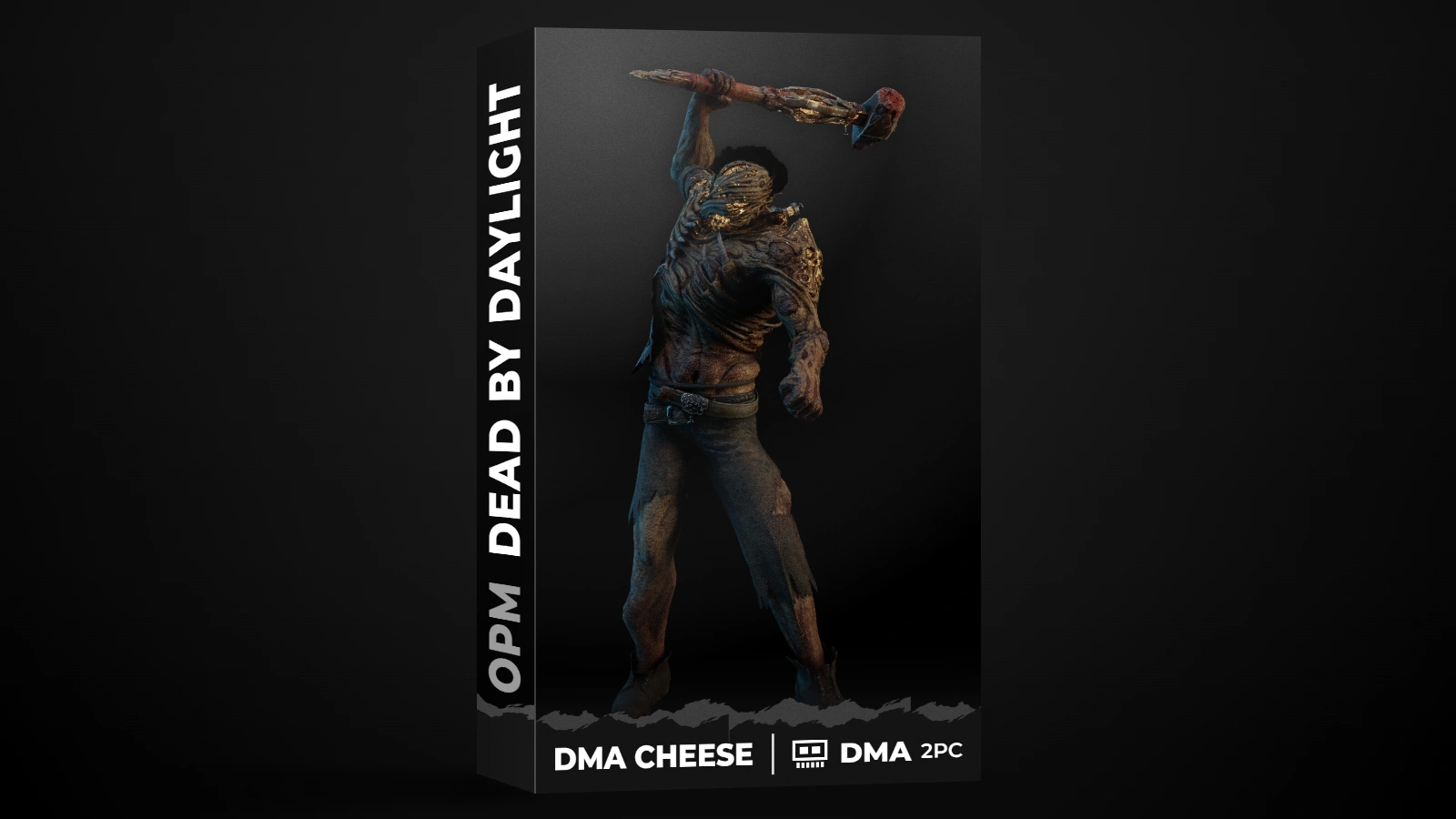
- Game Attachment – Attach overlay to Dead by Daylight