Description
Supported Platforms
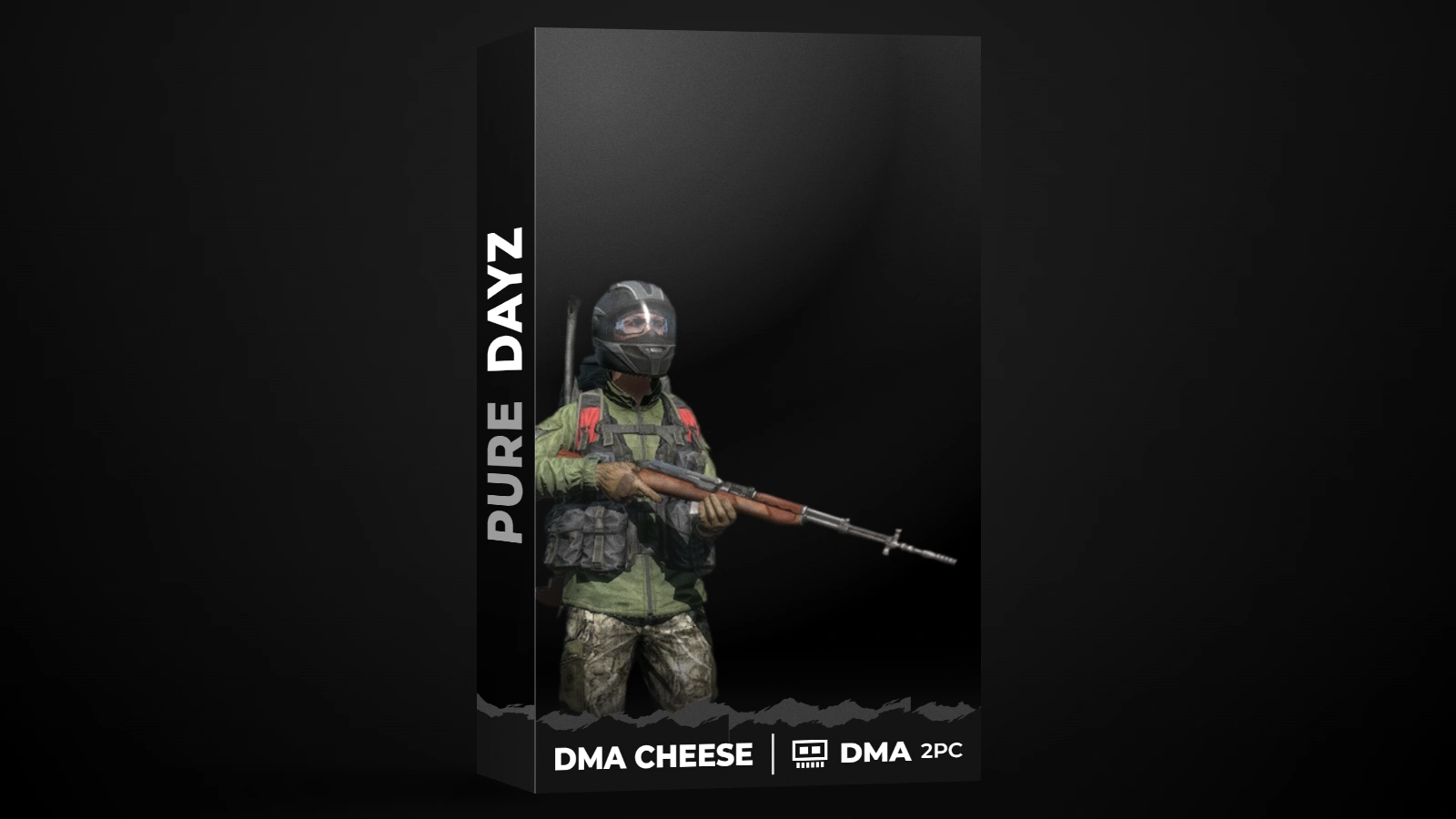
- DayZ – Full DMA support for all versions
👁️ ESP
Players
- Player ESP – Master toggle for player tracking
- Show Bots – Display AI-controlled bot players
- Inventory – Show what items players are carrying
- Disable ESP for Friends – Hide ESP for added friends
- Admin Detection – Alert when admins are nearby
- Max Distance – Set maximum player render distance
- Box ESP – Draw boxes around players with customizable style
- Skeletons – Display stick-figure outlines for movement tracking
- Names – Show player names above their heads
- Distance – Display exact range to each player
- Tracers – Show projectile trails from players
- Viewlines – Display where players are looking
- Item Held – Show the weapon or item currently equipped
- Ammo Counter – Display ammunition count for held weapons
- Health – Show player health status
- Stance – Display current stance (standing, crouching, prone)
- Corpses – Track dead player bodies
- Out of FOV Arrows – Point toward players outside your view
Infected
- Box ESP – Draw boxes around infected with customizable style
- Skeletons – Display infected skeletons for easy tracking
- Names – Show infected type names
- Distance – Display exact range to each infected
- Health – Show infected health status
- Out of FOV Arrows – Point toward infected outside your view
- Corpses – Track dead infected bodies
- Max Distance – Set maximum infected render distance
Wildlife
- Animals ESP – Master toggle for animal tracking
- Names – Show animal species names
- Distance – Display range to each animal
- Health – Show animal health status
- Max Distance – Set maximum animal render distance
Vehicles
- Vehicle ESP – Master toggle for vehicle tracking
- Names – Show vehicle model names
- Distance – Display range to each vehicle
- Cargo ESP – Show items stored in vehicles
- Max Distance – Set maximum vehicle render distance
Loot
- Max Distance – Set maximum loot render distance
- Categories – Toggle individual categories: Weapons, Explosives, Melee, Ammo, Attachments, Medical, Clothing, Mod Clothing, Food, Tools, Containers, Consumables, Craftables, Cooking, Vehicle Parts, Base Building, Modded Base Building, Others
- Custom Categories – Create and manage custom loot categories
- Item Settings – Toggle Item ESP, Name ESP, Distance ESP, adjust Font Size, draw Loot Line, and enable Hover Only
- Containers – Show Items Inside with adjustable Inside Max Dist
- Filters – Use Whitelisted Only, set Item Quality with Quality Colors, Disable Ruined Items, use Quality Filter with Min Quality
- Distance Fade – Set Fade Start and Fade End for distance-based fading
- Grouping – Enable Grouping with adjustable Group Distance
- Whitelist Highlight – Highlight whitelisted items
- Item Filter Window – Open the item filter interface
World
- Cities – Display city and town names on screen
- Wellpumps – Show well pump locations for water
- Heli Crashes – Mark helicopter crash sites
- Contaminated Zones – Highlight contaminated areas
- Landmine Warning – Alert when near landmines
- Landmine ESP – Show landmine locations
- Combat HUD – Display combat status information
- Compass – Overlay compass on screen
- Bullet Tracers – Show projectile trails with Own Bullets Only option
- Bullet Indicators – Display bullet direction indicators
- Tracer Settings – Adjust Max Distance, toggle Rainbow Tracer, Tracer Tip Sphere, Line Thickness, Dot Size, Pulse, and Pulse Speed
🎯 Combat
Connection
- Device Type – Select from supported aim devices
- Auto Connect on Startup – Automatically connect when launched
- Baud Rate – Set connection baud rate
- COM Port – Select communication port
- Network Address – Set network device address
- Connect – Establish device connection
- Disconnect – End device connection
- Test Movement – Verify device functionality
Silent Aim
- Enable Silent Aim – Master toggle for silent aim
- Official Bypass – Enable official server bypass
- Aim Key – Assign activation key
- Aim Key Mode – Choose hold or toggle
- Targets – Toggle targeting for Players, Zombies, and Bots
- FOV Circle – Display the FOV circle
- Aimline – Show aim direction line
- Silent FOV – Set detection field of view
- Player Settings – Set Distance, Hitchance, and Hitboxes
- Zombie Settings – Set Distance, Hitchance, and Hitboxes
Hardware Aim
- Aim Key – Assign activation key
- Aim Key Mode – Choose hold or toggle
- Aim FOV – Set detection field of view
- Move Interval – Control movement update frequency
- Target Bots – Target AI bots
- Prediction – Enable target movement prediction
- FOV Circle / Aimline – Visual indicators
- Player Settings – Toggle targeting, set Distance, Priority, Smoothness, and Hitboxes
- Zombie Settings – Toggle targeting, set Distance, Priority, Smoothness, and Hitboxes
Triggerbot
- Enable Triggerbot – Master toggle for automatic firing
- Trigger Key – Assign activation key
- Key Mode – Choose hold or toggle
- Delay – Add delay before firing
- Hit Radius – Set detection radius
- Player Settings – Toggle targeting, set Distance, and Hitboxes
- Zombie Settings – Toggle targeting, set Distance, and Hitboxes
Crosshair
- Enable – Toggle custom crosshair overlay
- Type – Choose crosshair style
- Size – Adjust crosshair size
- Thickness – Control line thickness
- Gap – Set gap between crosshair elements
- Rotation – Rotate crosshair by degrees
- Outline – Toggle outline visibility
- Outline Thickness – Control outline thickness
- Force In-Game Crosshair – Show game crosshair alongside custom
- Live Preview – See changes in real-time
⚡ Exploits
Risk Acceptance
- Risk Acceptance – Acknowledge and accept usage risks
Player
- Free Cam – Detach camera for free movement
- Force Third Person – Lock to third-person view
- No Recoil – Eliminate weapon recoil
- Zombie Teleport – Teleport to zombie locations
- Loot Through Walls – Loot containers through obstacles
- TP Loot – Teleport loot to your inventory
- Open Inventory Everywhere – Access inventory anywhere
Environment
- No Grass – Remove grass for better visibility
- Auto Unlock DLC – Bypass DLC restrictions
- Change Time – Adjust in-game time of day
- Brightness – Boost screen brightness
Raiding
- Bullet TP to Base – Teleport bullets to base structures
- Min / Max Dist – Set teleport range
- Offset X/Y/Z – Adjust teleport offset coordinates
- Show Fence Indicator – Display fence target indicators
- Raid FOV – Display FOV circle with adjustable Radius and Color
- Bullet Teleport Key – Assign teleport activation key
- Nuke Mode – Enable area-wide damage
🛠️ Tools
Radar
- Download Maps – Download map data
- Map Select – Choose active map
- Start / Stop Radar – Launch or close radar display
- Radar Toggle Key – Assign key to toggle radar
- Start / Stop Web Radar – Launch or close web radar
- Copy Link / Open Link – Copy or open web radar URL
Waypoints
- Custom Waypoints – Create custom waypoints with Show Distance and Max Distance
- Death Location – Show Death Location with Distance, Max Distance, and Color
- Create Waypoint – Add new waypoint
Server & Friends
- Server Player List – Display all players on server
- Server Info HUD – Show server information
- Hide ESP for Friends – Hide ESP for added friends
- Admin Detection – Alert when admins are nearby
- Open Server Player List – Open player list window
Radar Window
- Display – Toggle Fullscreen, Follow Player, Free Camera, and Center Map
- Local Player – Customize Local Blip Color, Local Icon Size, and Local Aimline
- Entities – Toggle Player Radar with Labels, Fields, and Aimline; toggle Zombie Radar, Animal Radar, and Vehicle Radar
- Loot – Set Loot Distance, Loot Blip Size, Loot Labels, Favourite Loot Line, Filter Mode, Loot Categories, and Category Distances
- Nearby Item Search – Search for nearby items
- Whitelist / Blacklist / Favourite – Manage item lists
- Blip Style – Choose icon style with Text Background option
- Map – Toggle City Names, Grid Lines, Bullet Tracers, Elevation Cue, and Death X Marker
- UI – Adjust Radar UI Scale, Map Opacity, and Hide Navigation
- Window Corner Snap – Snap radar to screen corners
Floating Windows
- Item Filter – Open item filter window
- Server Player List – Open server player list
- Local Player List – Open local player list
- Friends – Open friends list
- Admins – Open admin list
- Copy Steam ID – Copy Steam ID to clipboard
- Copy Steam Profile URL – Copy profile link to clipboard
⚙️ Settings
Profiles
- Create Profile – Create new configuration profile
- Load Selected – Load saved profile
- Save Selected – Save current settings
- Delete Selected – Remove profile
- Active Profile – Display current profile name
- Saved Profiles List – Browse all saved profiles
Overlay
- Transparent Overlay – Make overlay see-through
- One PC Mode – Click-through when menu hidden
- Dual Keyboard – Support for two keyboards
- Override W2S Resolution – Manual resolution adjustment with Screen Width, Screen Height, and Display Monitor
Menu
- High-Contrast Menu – Easier readability on capture setups
- Accent Color – Customize menu accent
- Rainbow Accent – Enable rainbow color cycling
- Menu Scale – Adjust UI size
- Language Picker – Select interface language
- Close Application – Exit software safely
Performance
- Performance Mode – Optimize for performance
- Player Blobs – Render players as blobs for efficiency
- Infected Blobs – Render infected as blobs
- Only Render in FOV – Only show targets in view
- Item Draw Limit – Set max items displayed
- Show FOV Circle – Display FOV indicator
DMA / Input Status
- Game Link – Display game connection status
- DMA Card – Show DMA card status
- Keyboard Sync – Display keyboard sync status
- Hardware Mouse – Show hardware mouse status
- Radar Service – Display radar service status
Hotkeys
- Menu Toggle – Key to open/close menu
- Battle Mode – Key to toggle combat mode
- Aimbot Disable – Key to temporarily disable aimbot
- Refresh ESP – Key to refresh ESP data
- Local Player List – Key to open local player list
- Server Player List – Key to open server player list
- Toggle Player ESP – Key to toggle player ESP
- Toggle Infected ESP – Key to toggle infected ESP
- Toggle Wildlife ESP – Key to toggle wildlife ESP
- Toggle Loot ESP – Key to toggle loot ESP